Free for Fedora Linux
Local WordPress, made for Linux.
Create a WordPress site in about ten seconds. Each one runs in its own containers with the PHP version you choose, at an address like acme.localhost.
ARM64 (aarch64), including Asahi Linux. Intel and AMD builds are coming.
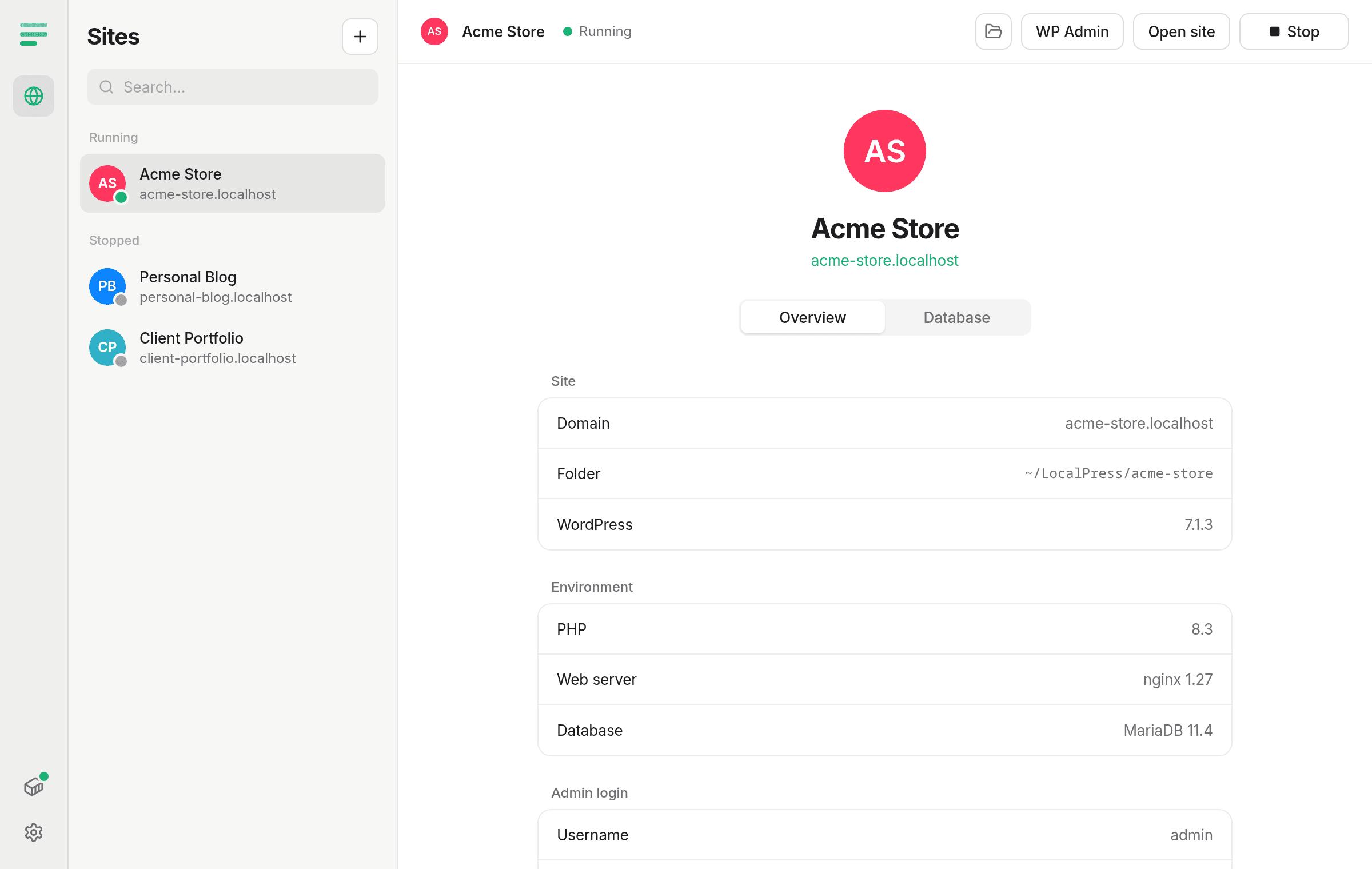
The PHP version you need.
Pick PHP 8.1 through 8.5 for each site. Every site gets its own nginx and MariaDB, so one project never breaks another.
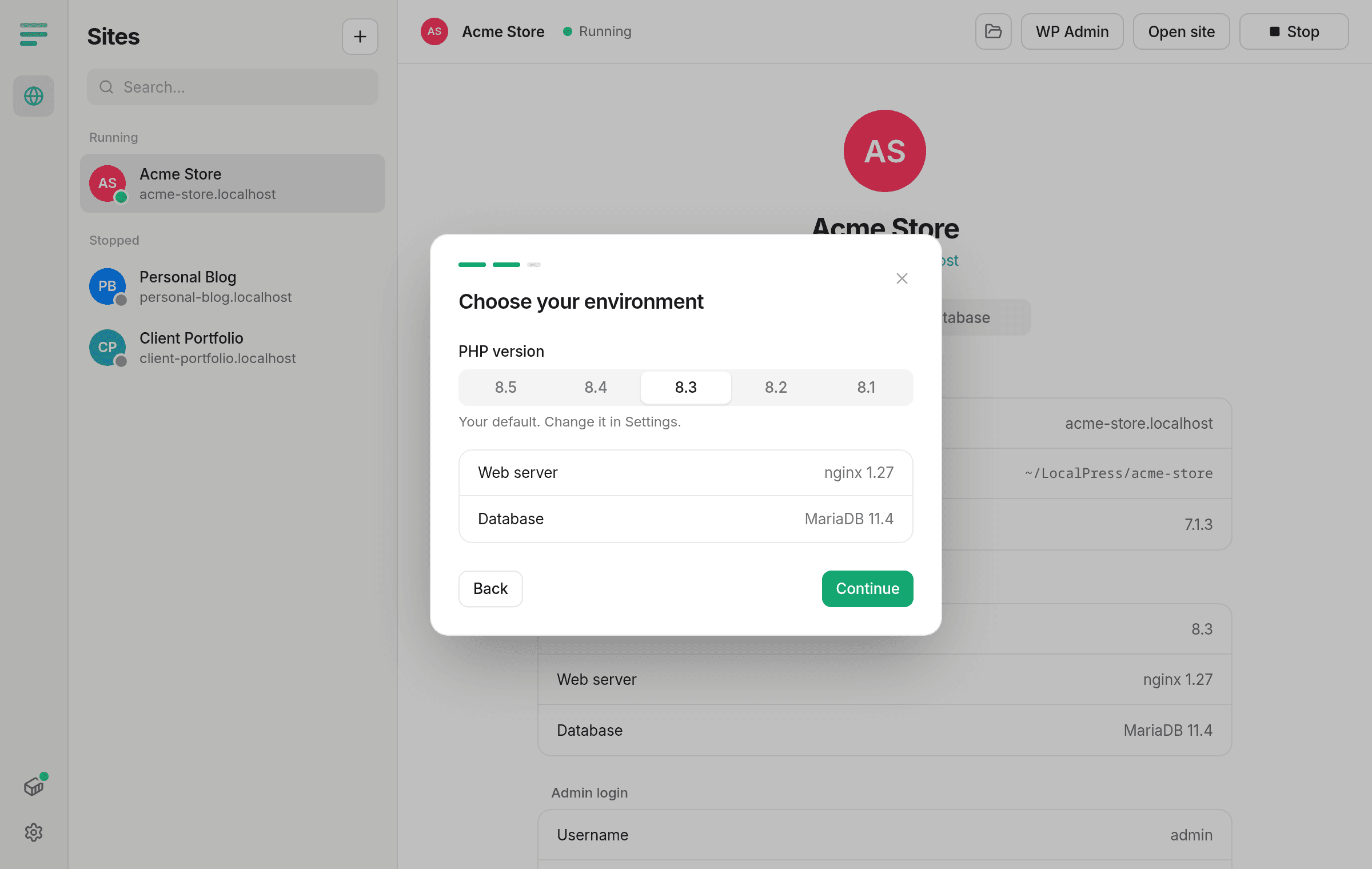
Works with what you have.
LocalPress uses Docker if you have it. If not, it sets up Podman for you, with no sudo, no daemon and no docker group. Container images download on their own the first time you create a site.
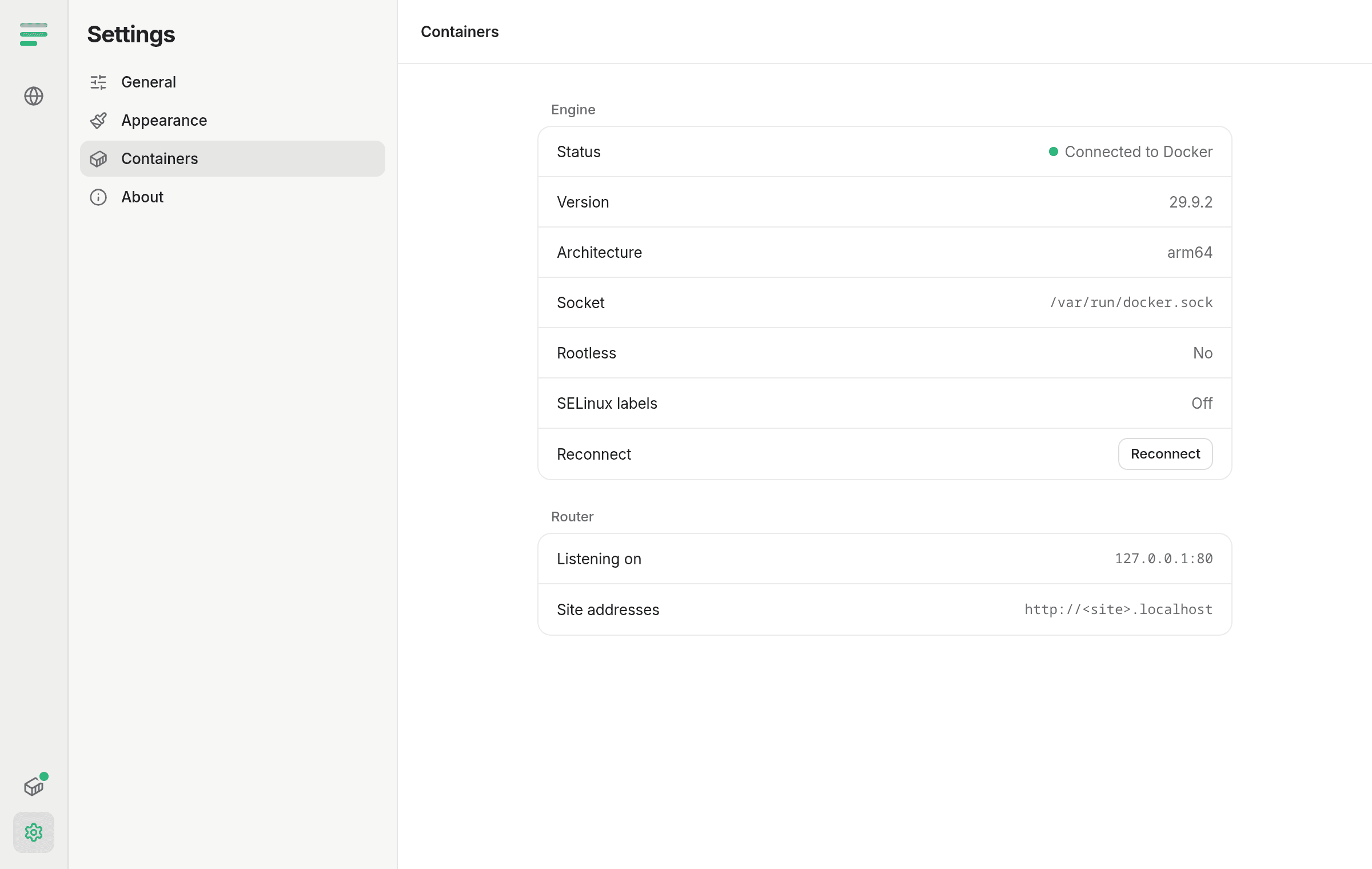
From nothing to a running site in three steps.
- 01
Name your site
Type a name and LocalPress picks the address, like coffee-shop.localhost. Change it if you like.
- 02
Choose PHP
Pick a PHP version, or keep your default. Set the admin username and password.
- 03
Start building
WordPress is downloaded, installed and running about ten seconds later. Open it, or go straight to WP Admin.
Under the hood.
The same tools you would use in production, set up for you. Nothing is hidden: yourwp-config.phphas real database details, and nginx and PHP settings live in your site folder.
- Web server
- nginx 1.27Pretty permalinks work out of the box.
- PHP
- PHP-FPM 8.1 – 8.5Official WordPress images, with the extensions WordPress needs.
- Database
- MariaDB 11.4One database per site, kept until you delete the site.
- Router
- CaddySends each .localhost address to the right site.
- Containers
- Docker or PodmanRootless Podman works with SELinux on.
- Command line
- WP-CLIUsed to download and install WordPress for you.
Its own address
Every site opens at <name>.localhost. No hosts file, no port numbers.
One-click WP Admin
Opens the dashboard already logged in.
Files you own
WordPress lives in ~/LocalPress/<site>/public. Open it in any editor.
Private by default
Sites are only reachable from your computer, not your network.
Stops when you quit
Close LocalPress and your sites stop, so nothing runs in the background.
Updates itself
New versions download quietly. Restart when it suits you.
Install
- 1
Download
Get the latest LocalPress RPM, or see all downloads. - 2
Install it
sudo dnf install ./LocalPress-aarch64.rpm
Or double-click the file to open it in GNOME Software. Podman is installed automatically if you don't have it. - 3
Open LocalPress
Find it in your apps. A short setup checks everything is ready, then you can create your first site.
Needs Fedora 40 or later on ARM64. See the full Fedora guide or previous versions.
Questions
Is it really free?+
Yes. No account, no paid tier.
Do I need Docker?+
No. If Docker is installed and running, LocalPress uses it. Otherwise it uses Podman, which comes with Fedora and needs no setup.
Is this LocalWP?+
No. LocalPress is an independent app for Linux, inspired by tools like LocalWP. It isn't affiliated with WP Engine or the WordPress Foundation.
Does it work on Intel or AMD?+
Not yet. The first release is for ARM64, including Apple Silicon Macs running Asahi Linux. An x86_64 build is next.
What does the installer change on my system?+
Besides the app, it lets regular users serve on port 80 so sites don't need a port number in the address. Uninstalling LocalPress puts that back.
Where are my sites?+
Files are in ~/LocalPress/<site>/public. Databases live in a container volume and are removed only when you delete the site. Deleted site folders go to your trash.
Can other people on my network see my sites?+
No. Sites only listen on your own computer (127.0.0.1).